
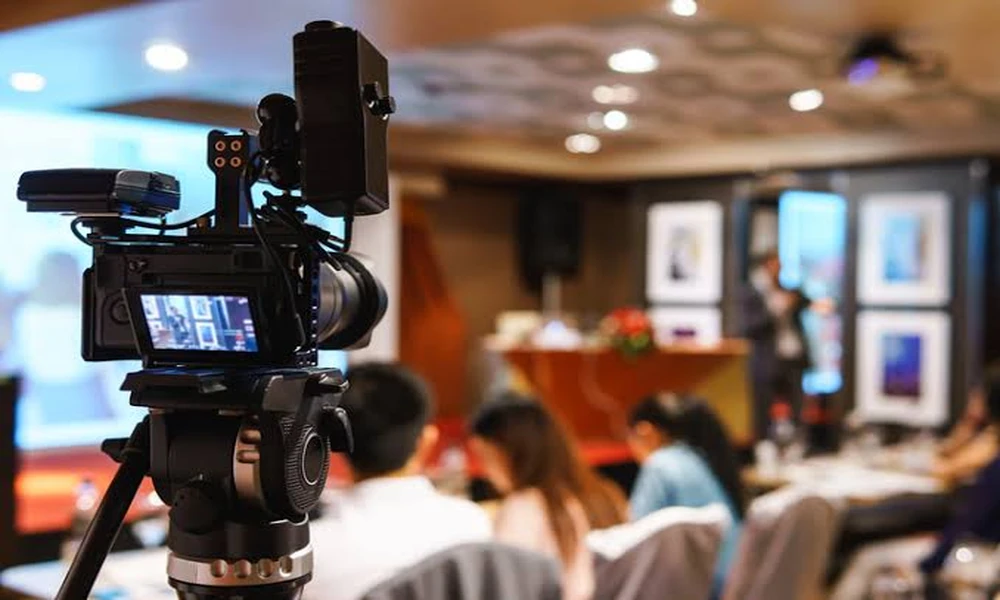

A hybrid event has two audiences, but it should not feel like two unrelated productions. People in the room experience scale, movement, side conversations, and shared reactions. Remote viewers receive only what cameras and microphones make available. A useful event-video plan respects both realities: it protects the live program while collecting enough context, clean sound, and human detail to make the recorded experience coherent after the venue empties.
Decide what remote viewers are meant to receive
Not every session needs to be streamed, and not every stream needs to become a permanent recording. Begin by separating live access from the post-event library. A keynote may warrant a complete edit. A panel may work better as several topic-based excerpts. A workshop could be valuable as an internal recap but inappropriate for public distribution. These decisions affect camera placement, audio routing, releases, graphics, and the amount of editing required.
Write the remote-viewer promise in one sentence for each programmed block. “Watch the full conversation,” “understand the three decisions announced,” and “feel the energy of the launch” are different assignments. Without that clarity, crews tend to capture everything in a technically competent way while editors later struggle to identify the intended story.
Protect sound before adding more angles
Viewers will tolerate a modest camera angle longer than they will tolerate unclear speech. Confirm how podium microphones, handheld mics, audience questions, remote speakers, and playback audio will reach the recording. The venue’s sound system is designed for the room; a recording feed needs its own test. A safety track or independent microphone can protect the event from a cable, mixer, or routing problem that nobody hears in the audience.
Teams reviewing Indigo Visual’s event videography work can use audio planning as an early comparison point. Ask who is responsible for the feed, when a sound check will happen, and how unscripted questions will be handled. Those operational details matter more to the final viewer than an impressive equipment list.
Give online viewers a sense of place
A locked shot of a stage documents content but rarely explains the event. Short establishing sequences can show arrival, signage, the scale of the room, sponsor activations, and the way attendees interact between sessions. Reaction shots help remote viewers understand how a statement landed. Close details make a large program feel tangible. These elements should be captured without obstructing sightlines or turning the live audience into background performers.
Build a short context list around the schedule rather than asking for generic atmosphere. If doors open at eight, identify what the venue should look like before guests arrive and after it fills. If a product demonstration happens once, mark the exact time and best viewing side. If the program includes networking, decide whether the useful story is crowd energy, facilitated introductions, or subject-matter conversations.
Design edits around attention, not chronology
The live agenda is a production sequence, not necessarily the best viewing sequence. An online recap may open with the clearest announcement, move to evidence and reactions, then close with what happens next. A session library needs descriptive titles and clean starts, not a forty-minute file that begins with furniture being moved. Agree on version names and approximate lengths while the agenda is still being built.
Still photography can support the same distribution plan without duplicating video. Speaker portraits, audience exchanges, sponsor moments, and branded details often work better in articles, email, and event pages than extracted video frames. When both formats are needed, coordinate shot priorities with the event photography services plan so crews are not competing for the same narrow aisle or important moment.
Plan the handoff before the event begins
Post-event speed depends on decisions made before the first session. Identify which clip must be available first, who can approve it, and whether captions, lower thirds, sponsor marks, or accessibility files are required. Give the editor final speaker names and titles rather than relying on a printed agenda that may change. Establish where raw recordings, masters, social versions, and caption files will live.
Permissions deserve the same advance attention. A public livestream, an internal replay, and a promotional recap may not carry the same expectations for speakers or attendees. Make recording language visible during registration, brief moderators on how to introduce recorded sessions, and provide a practical way to handle someone who should not appear in close coverage. For audience questions, decide whether the questioner will be heard, seen, or restated by the moderator.
After delivery, test the experience as a remote viewer. Check that the opening explains where the viewer has arrived, names and titles are correct, captions remain synchronized, slides are readable, and unexplained gaps have been removed. Review on a phone as well as a larger screen. This final pass often catches problems that are invisible to people who already know the program.
Save a brief record of the coverage choices with the final files. Future organizers should know which sessions were captured completely, which clips were edited for promotion, and where speaker restrictions apply. That note turns one event’s production decisions into useful planning evidence for the next hybrid program.
A hybrid recording succeeds when a person who missed the room can still follow the ideas and understand why the gathering mattered. That outcome comes from selective coverage, dependable sound, purposeful context, and an edit plan tied to actual viewers-not from pointing more cameras at the stage.
